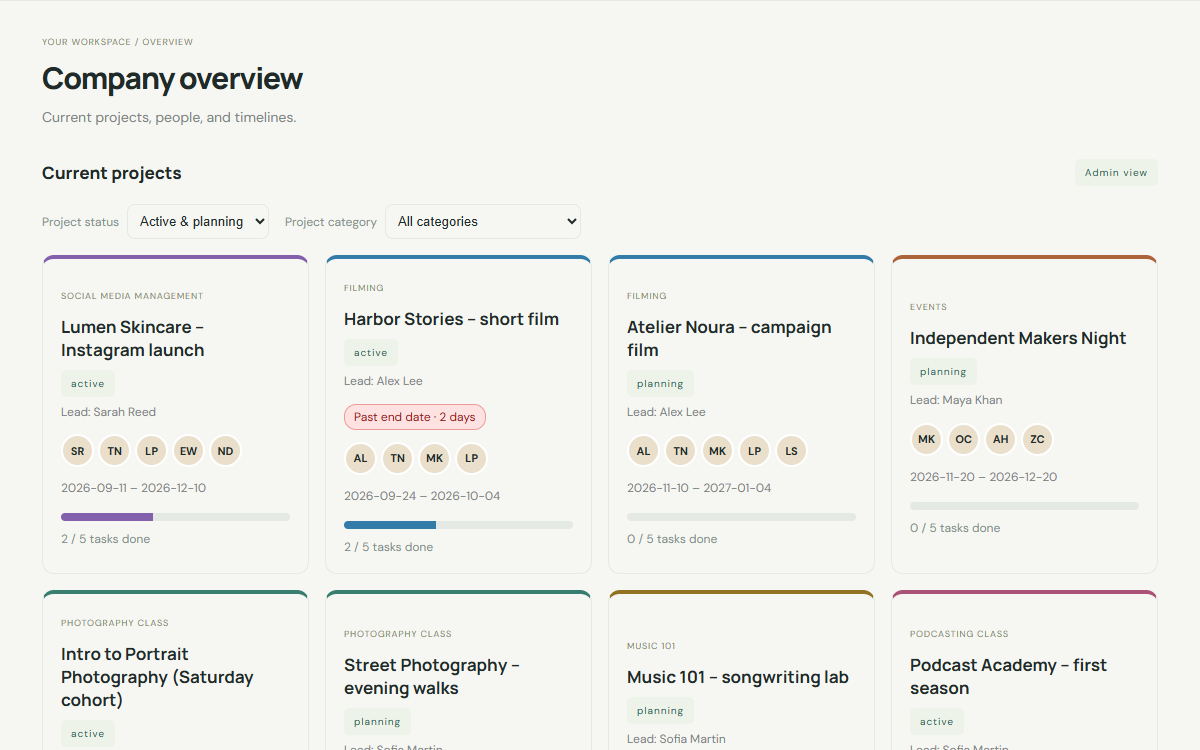
Projects & timeline
See every project, who is on it and where it stands, with a shared timeline and a Completed archive.


Plan projects, talk with your team, share calendars, send invoices in QAR, track gear and read email, with every department in the same place.
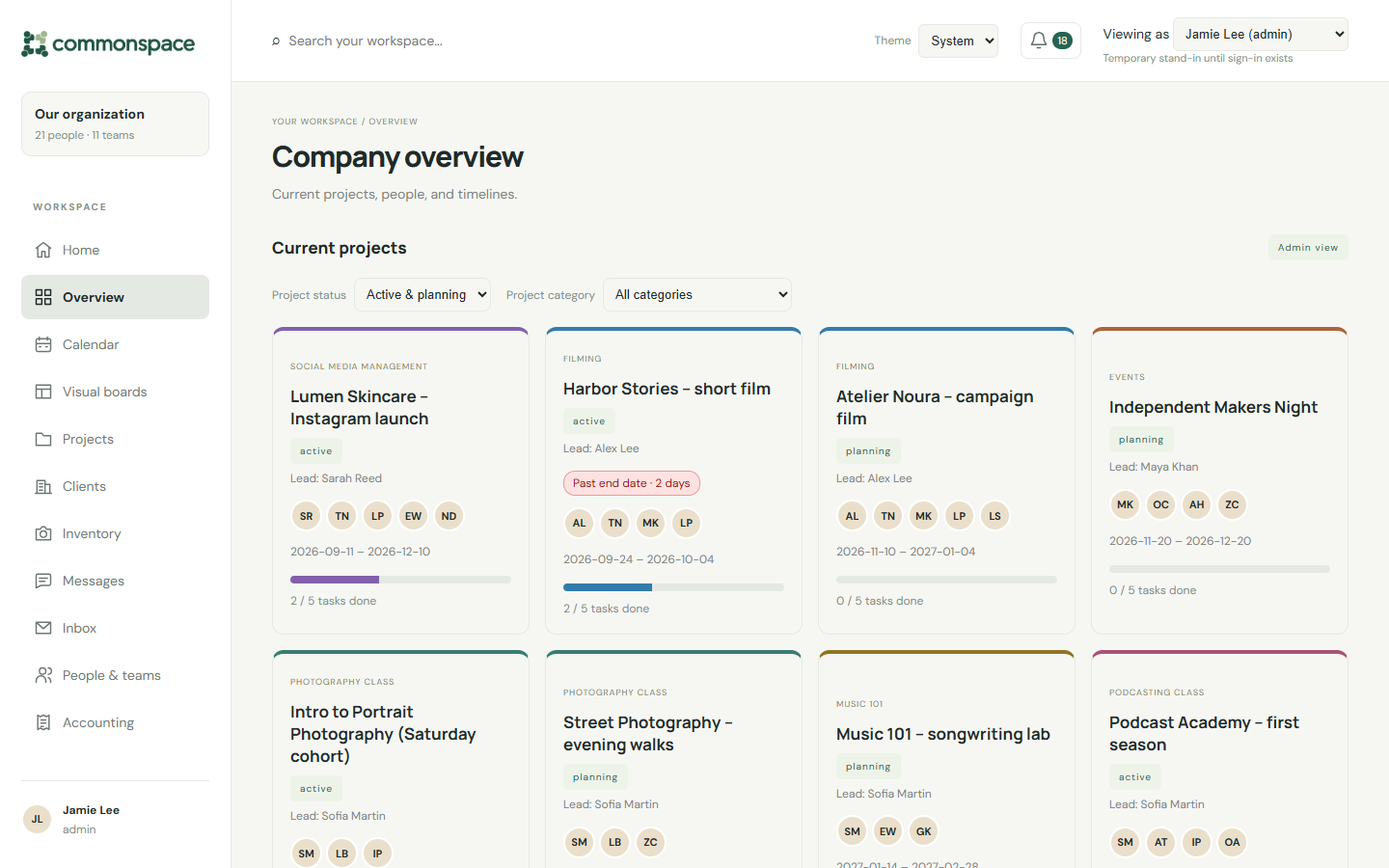
See every project, who is on it and where it stands, with a shared timeline and a Completed archive.
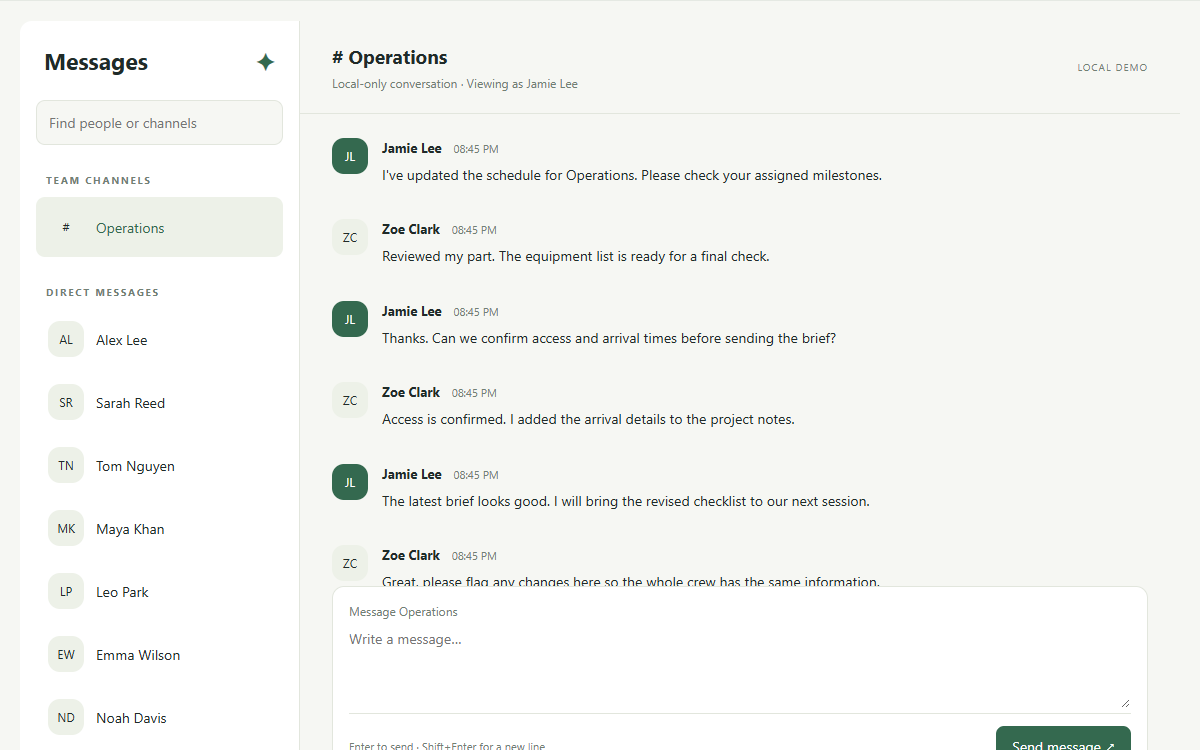
Team channels and direct messages, so decisions stay next to the work.
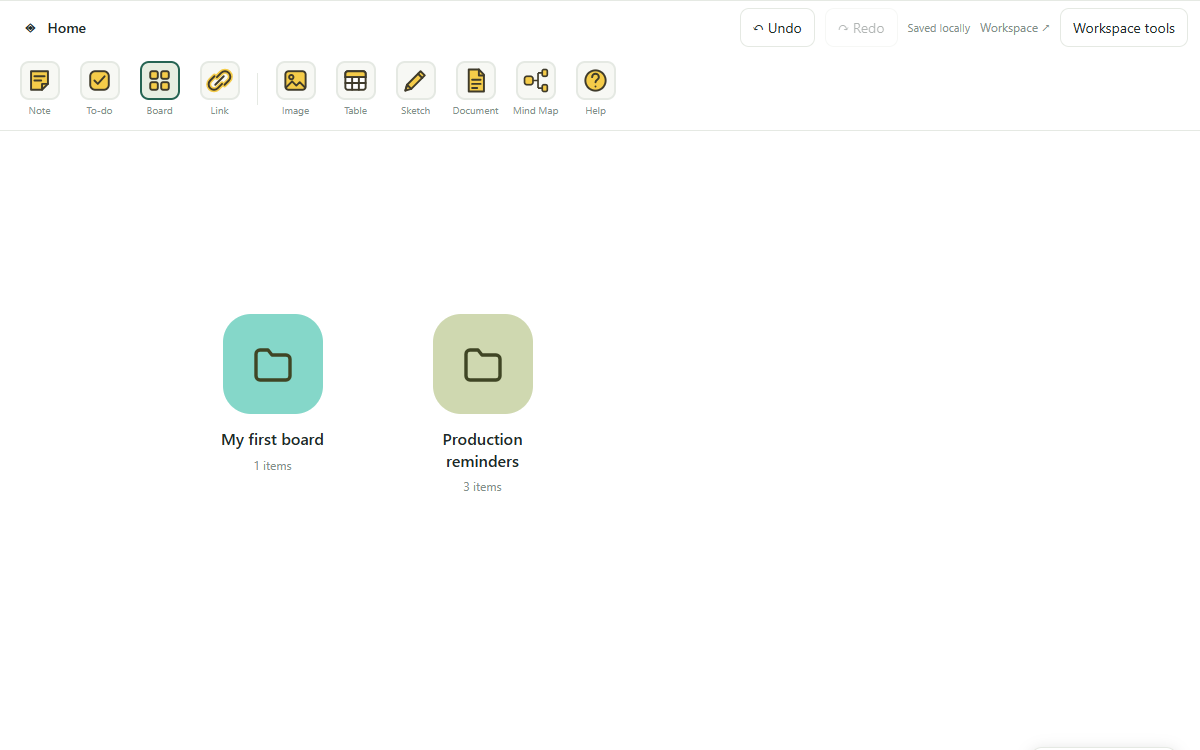
Notes, to-dos, images, sketches and mind maps on an open canvas.
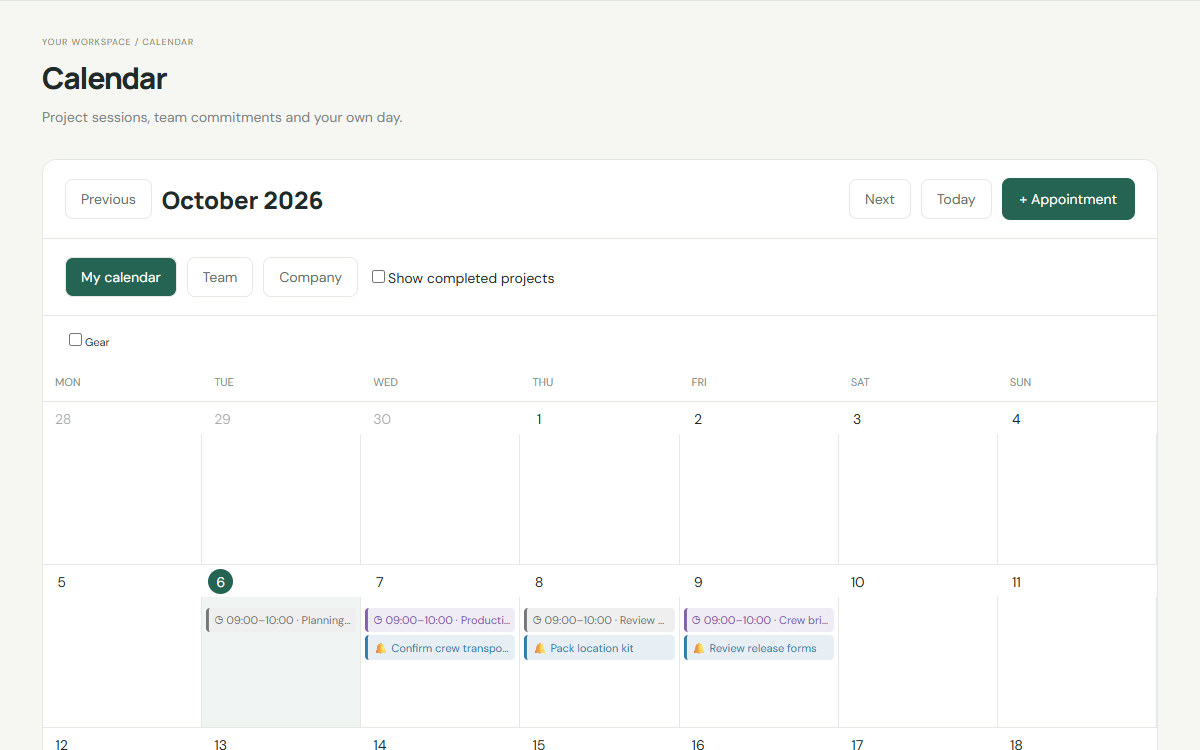
Sessions, deadlines and reminders for each person and the whole company.
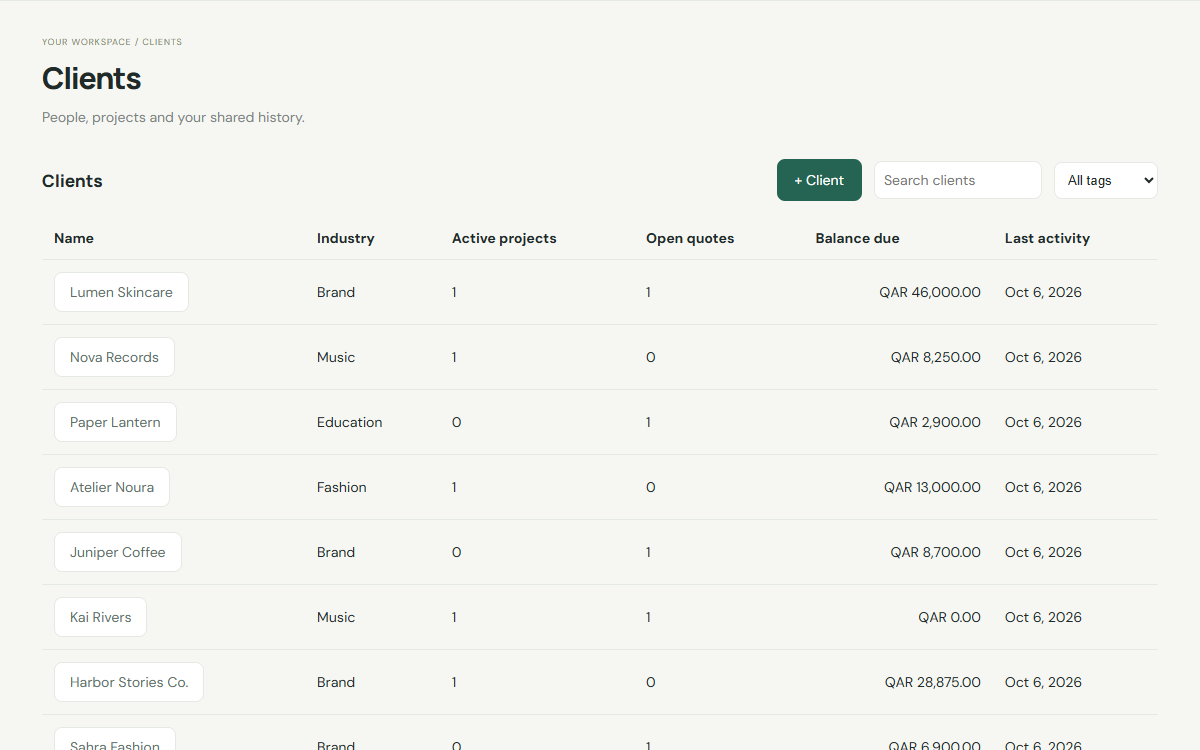
One page per client with their projects, sessions, invoices, files and notes.
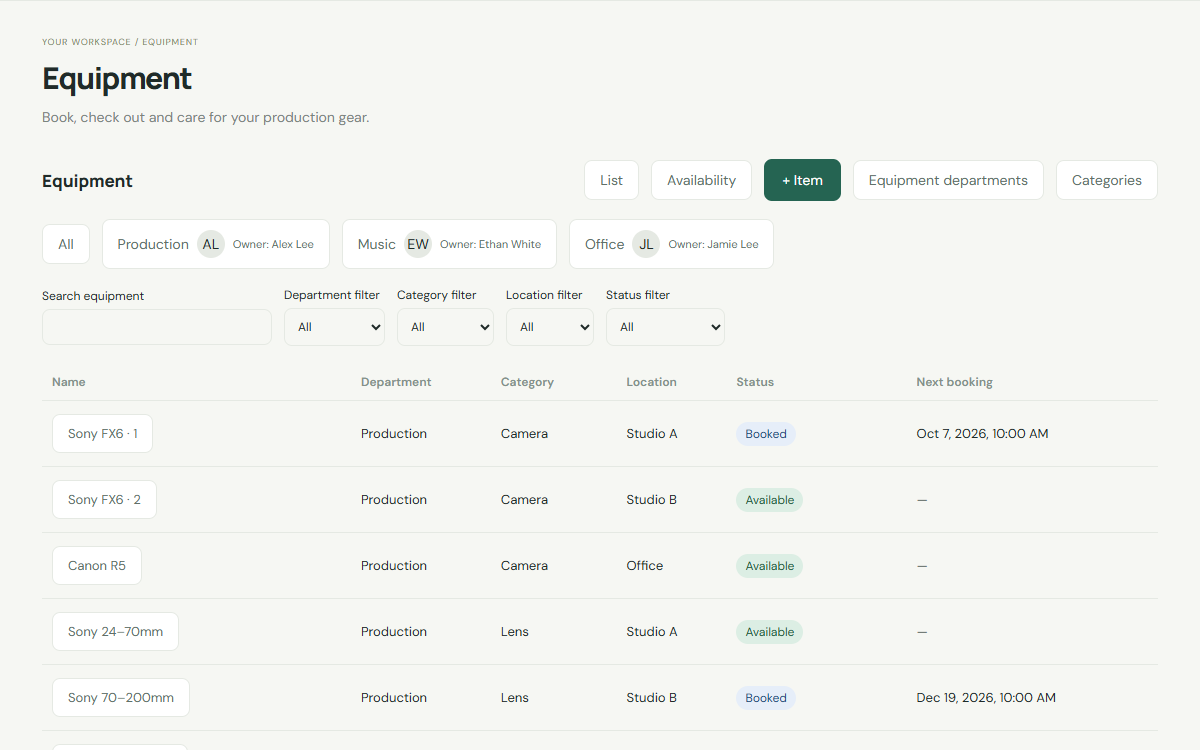
Cameras, lights and studio gear: who has it, when it is booked and its condition.
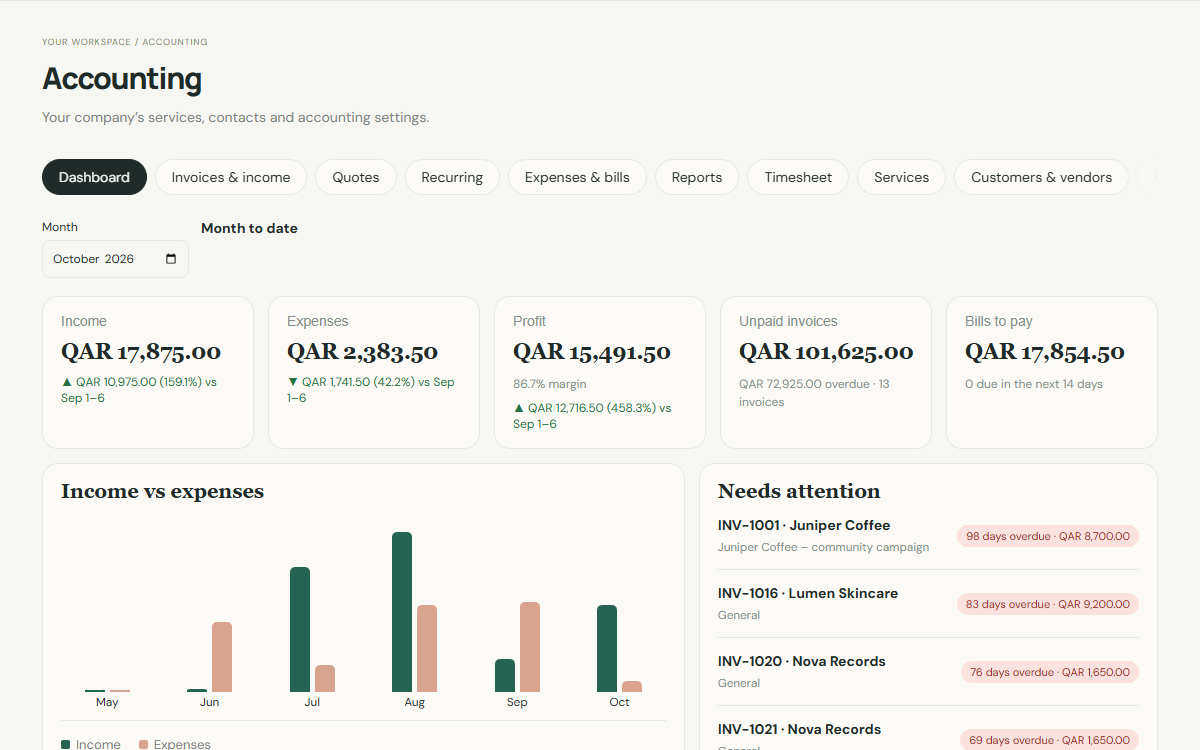
Quotes, invoices, recurring billing, expenses and reports in your currency.
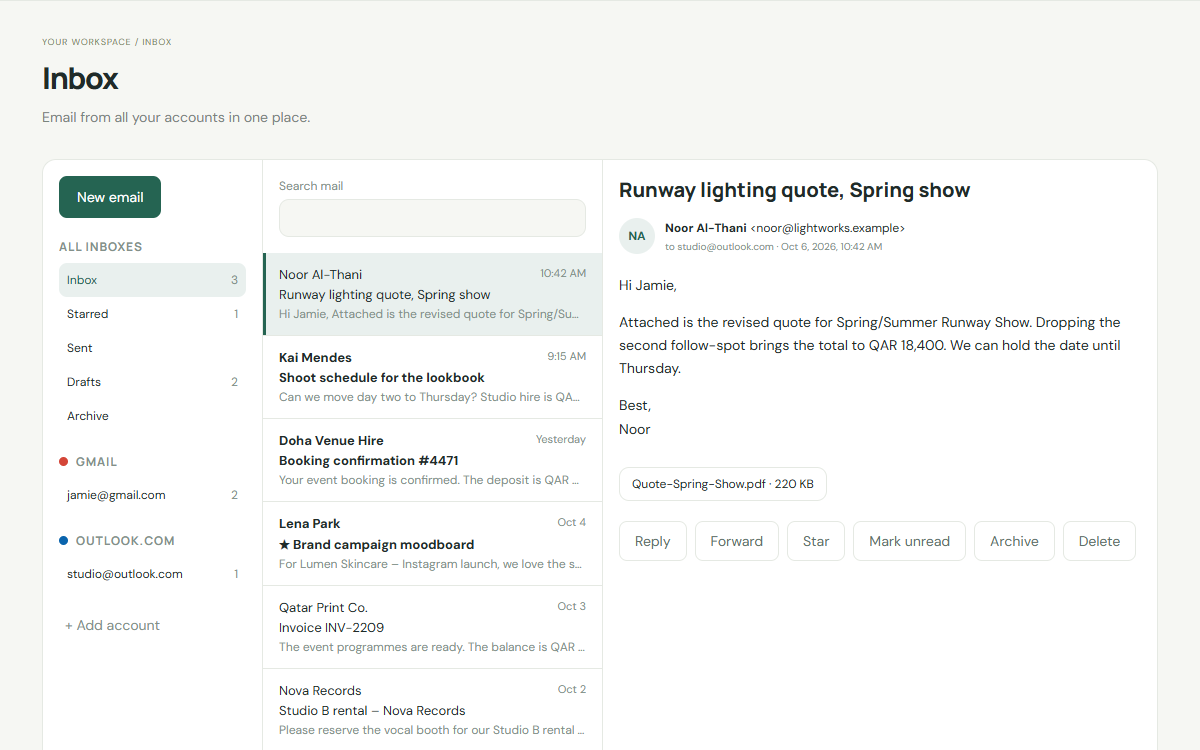
Read and answer email from your company accounts without leaving Commonspace.
Choose how many people will use Commonspace, including you.
Name your workspace and create your admin account.
Invite your team and place them in departments.
QAR 30 per user each month, including the admin. Add more users whenever you grow.
Yes. Each company has its own separate database. People only see the projects, messages and appointments they are part of, and accounting is limited to the people you allow.
Yes. Your admin can add more users at any time from People & teams. You only pay for the extra users.
Your admin can download all of your company's data and then delete the company account. Everything is kept for 30 days in case you change your mind, then deleted for good.
The admin adds people, places them in departments and teams, and decides who can see accounting.